Join the millions who use PrintFriendly to print or save any web page as a clean, high-quality PDF. You can adjust text size, remove unwanted images, and customize layouts. It works like Reader Mode, but gives you more control and better results.
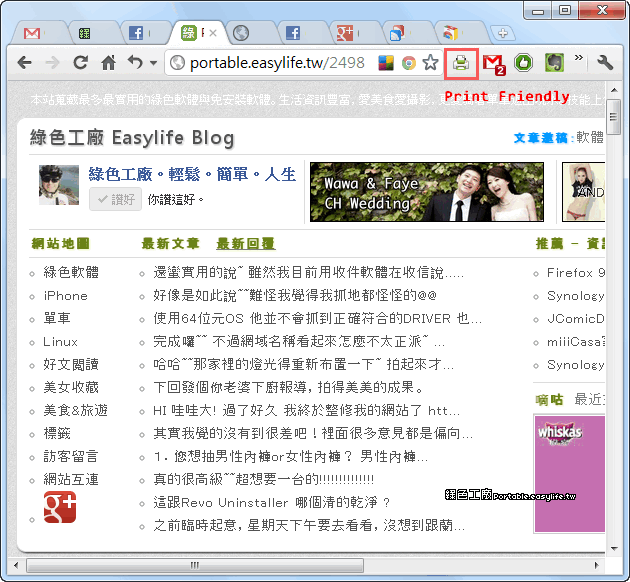
PrintFriendly & PDF 免費線上工具,能將網頁在去除廣告、編輯文字與移除圖片之後,轉存成電子郵件或下載 PDF 檔,讓列印網頁時可以只保留下需要的內容,不僅能節省紙張和墨水,也保持文件版面的整齊。 支援免安裝網頁版與FireFox、IE、Chrome、Safari瀏覽器 擴充外掛。 首先利用Google瀏覽器,前往安裝PrintFriendly & PDF外掛。 在要儲存的網頁,點一下右上角的圖示。 在轉存的過程中,會自動將所有的廣告都移除,也可以選擇是否要顯示圖片或者改變